
MXCloud
MXCloud is MonstarX's built-in platform backend. It gives your generated app a real database, auth, storage, AI, email, maps, and more — all managed by MonstarX, with no external accounts or API keys to set up.
When your app needs a backend, MXCloud is the default. You can still bring your own services (Supabase, Stripe, Twilio, and more) when you prefer.
How to enable MXCloud
There are two ways to turn MXCloud on for a project.
Option A — From chat (when the project needs it)
When your plan needs a database, auth, or another backend service, MonstarX asks in the chat window. Choose the MXCloud option (for example Use MonstarX Cloud instead — no key needed). The platform provisions your backend and wires it into the app.
Option B — From Connectors → Platform services
- Open your project Workbench.
- Tap Connectors on the right side.
- Under Platform services, enable MonstarX Cloud.
Once connected, the panel shows Connected and lists every platform service available to your app (mx.db, mx.auth, mx.storage, and so on).
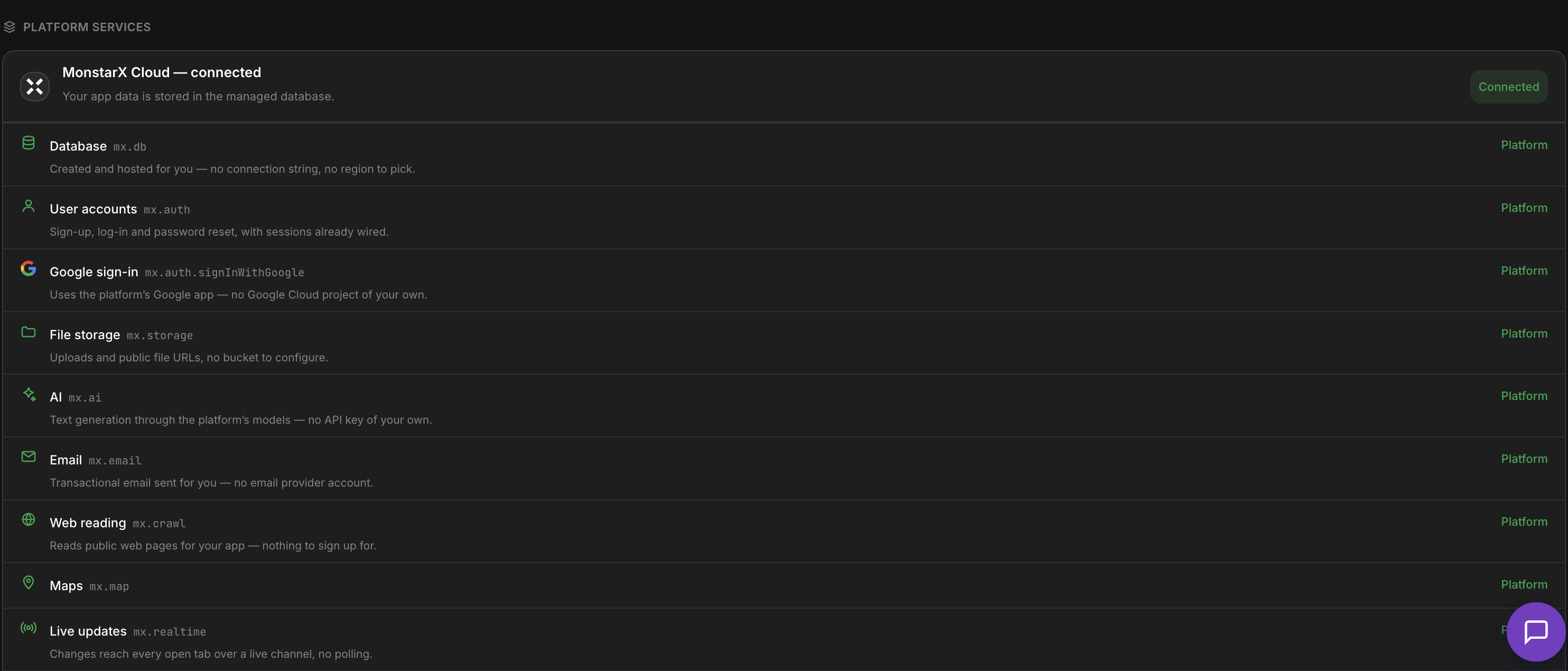
No connection strings, regions, or vendor accounts to configure.
Services
Each service below ships through the mx.* SDK in generated apps. Live services are ready to use once MXCloud is connected; rolling-out services appear as they become generally available.
Database (mx.db)
Every cloud-enabled app gets its own isolated SQL database — created automatically when you enable MXCloud. No connection string, no region to pick, no vendor account.
- Dedicated database per project
- Full SQL read/write from your app via
mx.db - Schema bootstrap on app start
- Browse and edit tables in the Workbench Database tab
- CSV export and schema diagram for owners
User accounts (mx.auth)

Give your generated app real user accounts without Firebase or Supabase Auth.
- Email/password registration and login
- Secure session tokens with refresh
- Forgot-password flow with platform-delivered email
- Manage app users from the Workbench Users panel
Google sign-in (mx.auth.signInWithGoogle)

Uses MonstarX's Google application — no OAuth client ID or redirect URI setup. Rolling out.
File storage (mx.storage)
- Per-project storage namespace
- Direct upload from generated apps
- Public file URLs for images and documents
- Signed URLs when you need controlled access
AI (mx.ai)

- Chat completions and streaming from your app
- Metered through your MonstarX credits
- Optional bring-your-own keys via Connectors if you prefer
Email (mx.email)

- Welcome, password-reset, and confirmation emails
- Platform delivery — no SMTP configuration
- Send to any address your app collects
Web reading (mx.crawl)
Fetch content from public URLs through the platform crawler. Rolling out.
Maps (mx.map)

- Forward and reverse geocoding via
mx.map - Leaflet + OpenStreetMap basemaps in generated apps
- Mapbox connector available for advanced 3D cartography
Live updates (mx.realtime)

Change notifications when tables update, plus ephemeral channels for presence and collaborative features. Rolling out.
Edge functions (mx.functions)
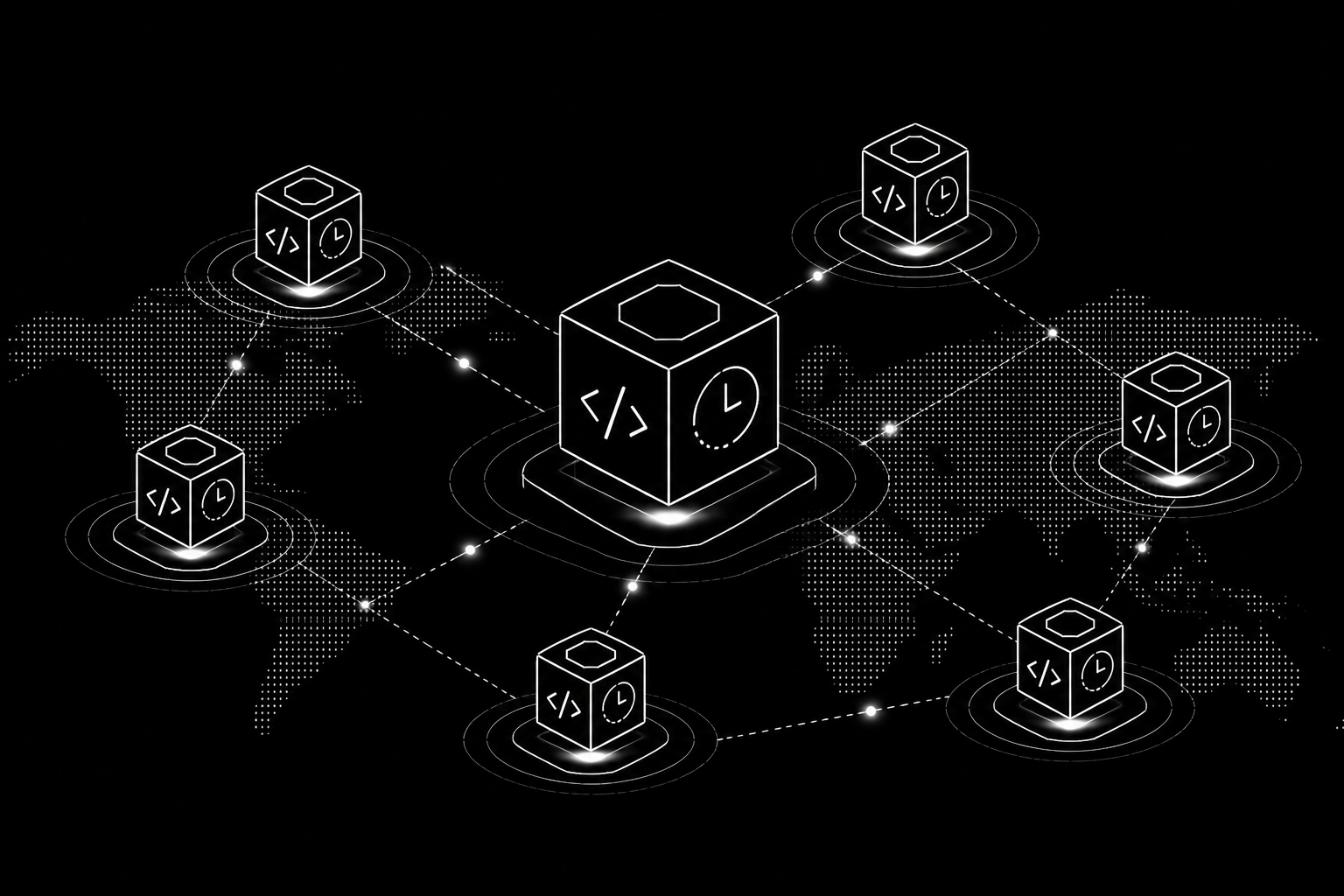
Cron schedules, inbound webhooks (e.g. Stripe), and table hooks on insert/update/delete. Rolling out.
Custom API (mx.api)

Declare the service and API key in Connectors; your app calls mx.api.call() and the gateway injects the key server-side. Rolling out.
Country data (mx.mcp)
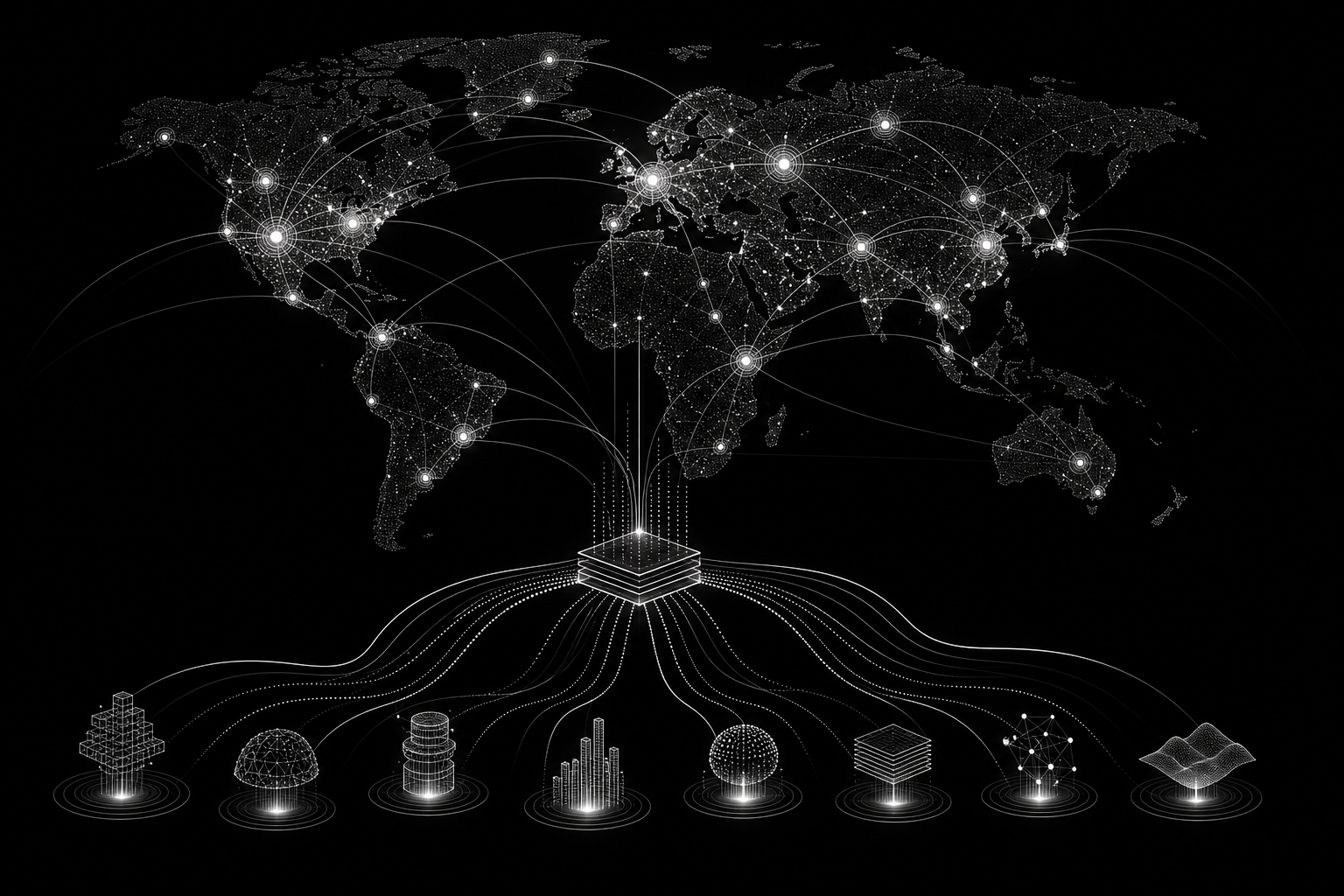
Weather, transit, company registry, and more through per-country MCP servers. See Country MCP for the full country list and playground.
What stays bring-your-own
MXCloud does not replace these — connect them with your own accounts:
| Need | Why BYO | Connector |
|---|---|---|
| Payments | Revenue must settle into your Stripe account | Stripe |
| SMS | Per-message cost and sender identity are yours | Twilio |
| Advanced maps | 3D / custom cartography | Mapbox |
MXCloud vs. Supabase
| MXCloud | Supabase | |
|---|---|---|
| Setup | Zero — enable in Connectors or chat | Requires a Supabase account and project |
| Database | ✓ (mx.db) | ✓ |
| Auth | ✓ (mx.auth) | ✓ |
| Storage | ✓ (mx.storage) | ✓ |
| Own your data | Via export | Yes, directly |
| Best for | Getting started fast | Full control of your own Supabase project |
You can still connect Supabase later from Connectors if you prefer.
Frequently Asked Questions
Is MXCloud the same as my MonstarX login?
No. Your MonstarX account is for building apps. mx.auth creates accounts inside your generated app for your end users (customers, members, or team users of the product you built).
Do I need Supabase or Firebase?
Not when MXCloud is enabled. Database and user accounts are provisioned automatically. You can still bring your own Supabase connector if you prefer.
Where do I see that MXCloud is connected?
Open Connectors on the right. Under Platform services, MonstarX Cloud shows Connected, with each mx.* service listed.
Can I export my MXCloud data?
Yes. Export from the Workbench Database tab, or use GitHub export for the full codebase including schema definitions.
What happens to my data if I delete the project?
Deleting a project deletes its associated MXCloud data. Export first if you need to keep it.
Does MXCloud AI usage cost extra credits?
Yes. Runtime AI calls from your app consume MonstarX credits. Amount depends on model and volume.
What about payments and SMS?
MXCloud does not hold your revenue or send SMS on your behalf. Connect Stripe and Twilio with your own accounts from Connectors.